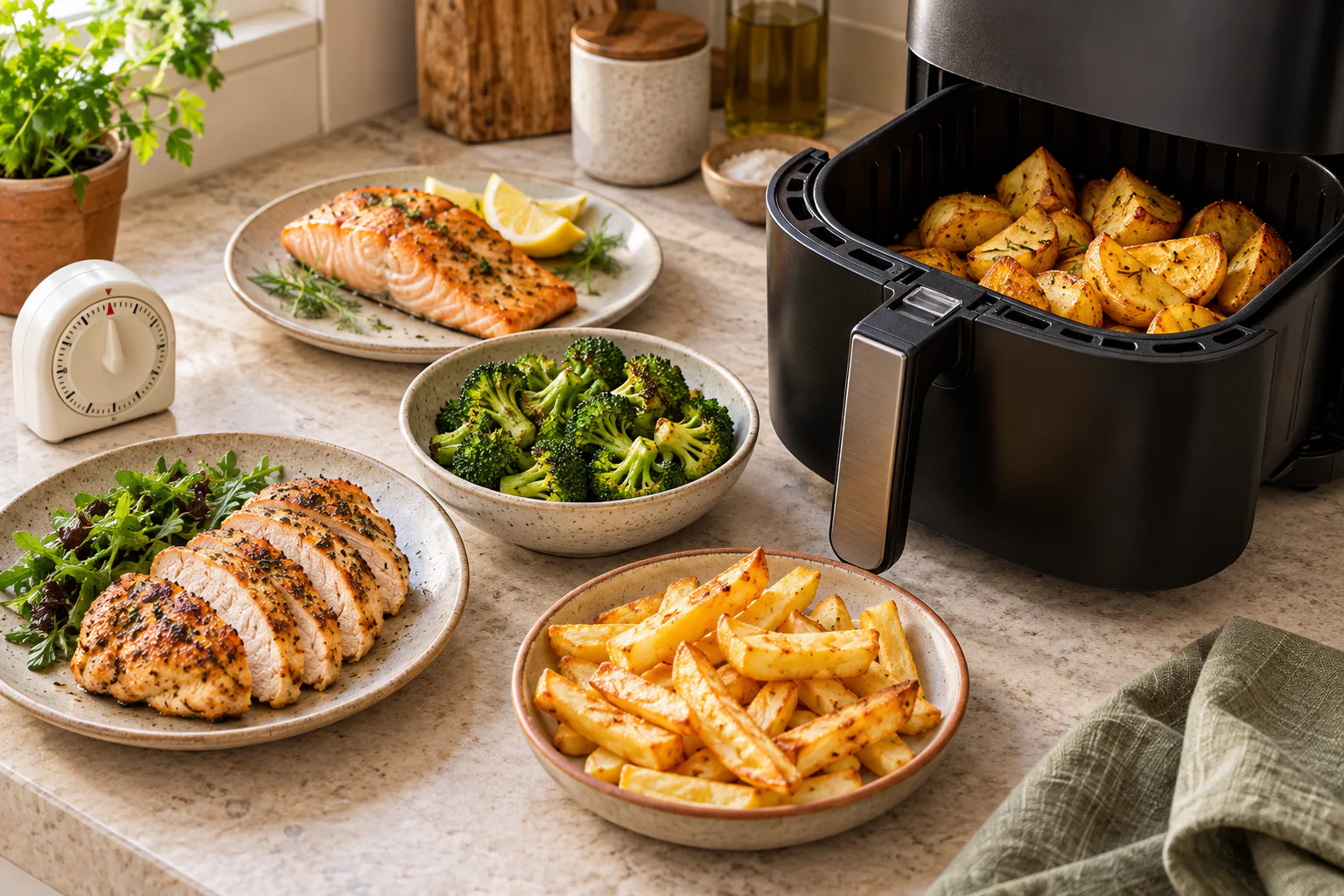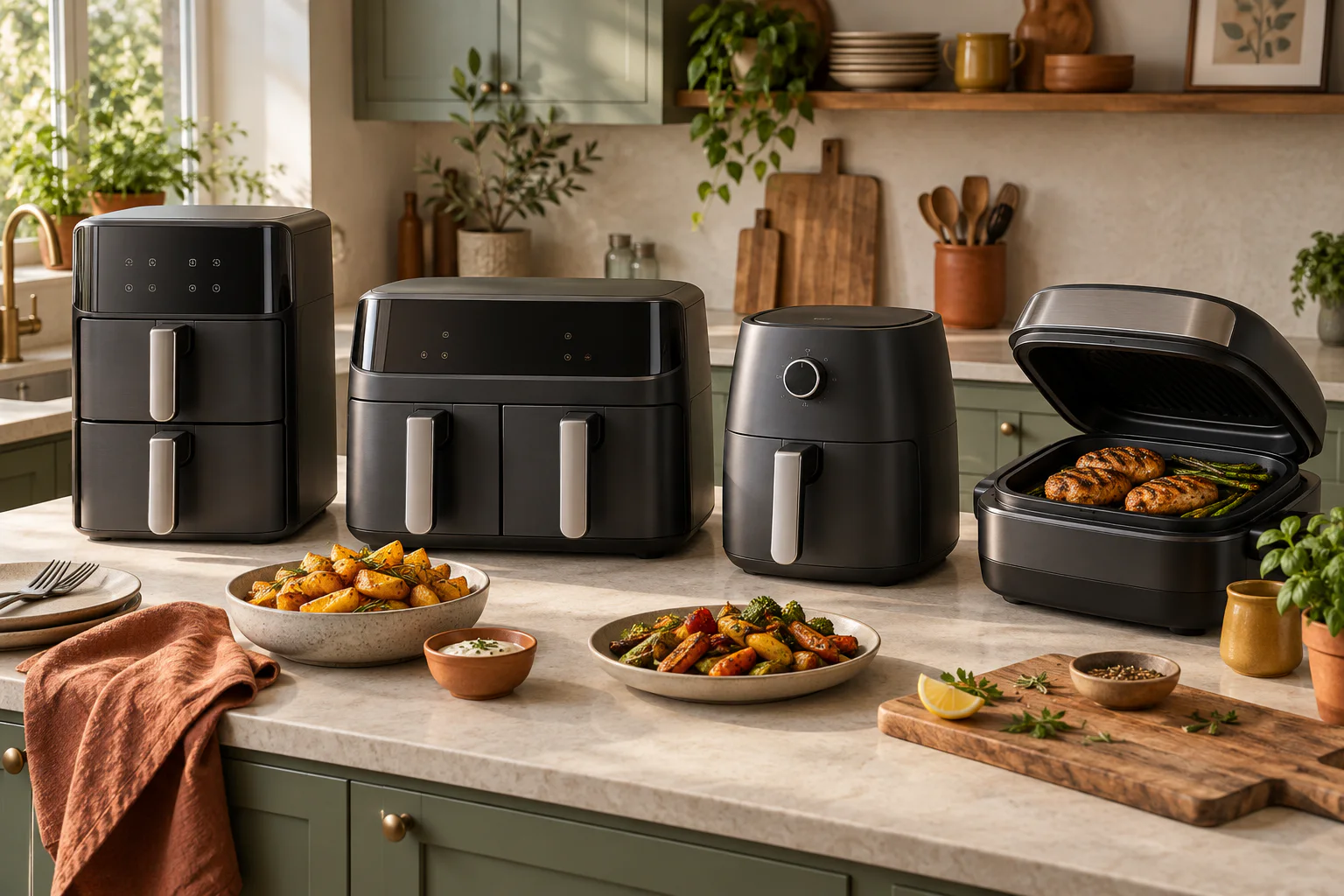
The chips need longer than the fish, and neither is much good sitting on a plate while the other finishes. This is the job a dual air fryer’s finish-together setting is meant to handle. The confusing part is that the button beside it often sounds as though it does the same thing.
On Ninja DualZone models with these controls, Sync coordinates two separately programmed zones so their timers finish together. Match copies the first zone’s function, temperature and time to the second. Use Sync for different cooking schedules and Match for a larger batch using the same settings. Other models may call these features Smart Finish and Match Cook; check the controls on yours.
Sync plans the finish; Match copies the settings
Think of Sync as a scheduler. You give each drawer its own instructions, then ask the appliance to bring the countdowns to zero together. Match saves button presses when the two drawers need identical settings. These descriptions follow Ninja’s published DualZone guidance; names and available combinations vary by model.
A finish-together programme works with the minutes you enter. It cannot judge the thickness of your chips or decide whether the middle of a piece of chicken is cooked. There is still a separate doneness check for each food.
A simple example with two different timers
Suppose one food’s own instructions call for 20 minutes and another’s call for 12. Set each zone using those instructions, including its temperature and function, then select Sync and start as your manual directs. The shorter zone waits for eight minutes before beginning. Both countdowns are then due to end together.
Those numbers explain the scheduling, rather than prescribe a fish-and-chip recipe. Choose the actual settings from the packets or recipes you are using, allowing for the quantity and any two-zone guidance in your model’s cooking chart.
Smart tipBefore starting, read both displays aloud: food, function, temperature, time. It is an easy way to catch a copied chip setting on a drawer that actually contains vegetables.
Plan the food as well as the controls
Work out what comfortably fits before you switch on. Splitting a bag of chips between two drawers can be more useful than cramming it into one. Leave room around larger pieces and keep foods that need different handling in their own zones.
Have plates, sauce and any cold sides ready before the shorter cook begins. Keep raw-food utensils away from cooked food, and follow the manual’s instructions for shaking or opening drawers during a synchronised cook. Pause behaviour can differ between machines.
What to check when the display says Hold
On the Ninja models covered by the linked guidance, Hold is the shorter zone waiting for its scheduled start. It is not an instruction to remove the food or a claim that the drawer is keeping it hot. The longer programme should already be running.
If nothing appears to be happening, check that you started the programme after selecting the finish-together option. If you change a time or stop one zone mid-cook, check the manual before assuming the original shared finish still applies. Do not leave chilled ingredients sitting in the appliance while you sort out an unrelated task.
When matching both drawers makes sense
For two similar portions of the same food, copying the settings is convenient. Divide the food fairly evenly so one drawer is not almost empty while the other is packed full. Inspect both portions during cooking: identical settings do not make unequal loads cook identically.
If one portion finishes first, remove it and let the other continue as needed. For your next batch, note the amounts in each drawer. If they routinely need different times, programme them separately and use the finish-together option instead.
Allow for resting and the occasional extra minute
A meal with a resting stage needs a slightly different plan. If your meat recipe calls for a rest, you may want that drawer to finish before the potatoes. Running the zones independently, or adjusting the schedule according to the recipe, can suit dinner better than having both timers beep together.
When the beeps do coincide, check both foods before plating. Add time to anything underdone, even if the other portion is ready. The point of the controls is to make dinner easier to manage; the final check still decides when it is ready to eat.
Air fryers vary in power and basket design. Use these timings as a starting point and follow your manufacturer’s instructions where they differ.
Frequently asked questions
Does Sync use the same temperature in both drawers?
On compatible Ninja DualZone models, each zone can have its own settings. Check your exact model for supported functions and combinations.
Why has one drawer not started yet?
With Sync active, the shorter cook may wait on Hold. For a 20-minute and a 12-minute schedule, that wait is eight minutes. Check the manual if the display behaves differently.
Can I use just one drawer?
Where the manual permits single-zone cooking, select and programme only the drawer you need. There is no need to fill a second drawer merely because it is there.
Does Match mean both portions will be cooked at the same moment?
It gives them the same settings. Portion size, thickness and how tightly each basket is filled still matter, so check each drawer before serving.
Sources and further reading
Safety, appliance and recipe guidance was checked against the following sources. Always follow the instructions for your own model.